Results
Activating log files PCU
Procedure
-
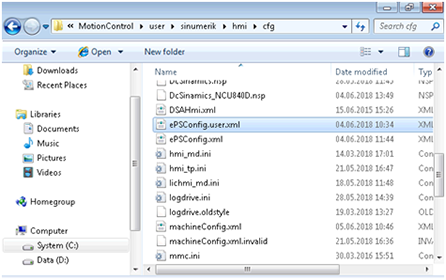
Open the following directory: C:\ProgramData\Siemens\MotionControl\user\sinumerik\hmi\cfg
-
Open the file: ePSConfig.user.xml.
Editing parameters
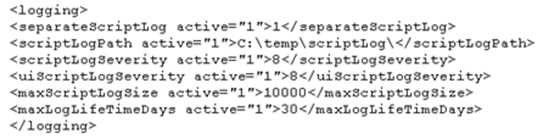
You can edit the following parameters:
|
Parameter |
Function |
Default setting |
Input |
Maximum value |
|---|---|---|---|---|
|
|
Defines where the log files are to be saved. |
Storage location |
- |
|
|
|
Indicates the system logging level. |
2 |
2 to 8 |
8 (Debug3) |
|
|
1 |
|||
|
|
Indicates the maximum script log size. |
10000 |
||
|
|
1 |
Example:
Checking log files
-
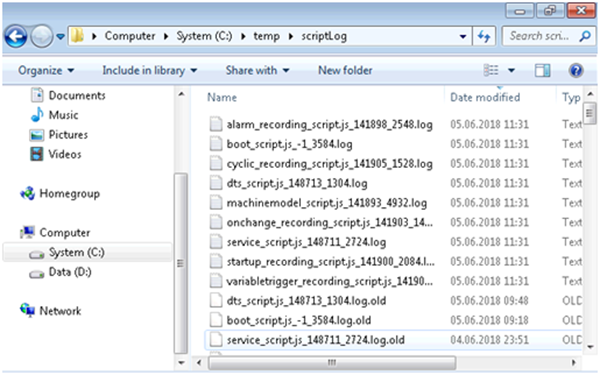
Open the following directory: C:\temp\scriptLog
-
Check the corresponding log files.